

Hotline:


 giới thiệu
  tin tức
 liên hệ
 khuyến mại
Khuyến Mãi

Chính sách giao hàng
Giao hàng hỏa tốc siêu nhanh trong 2H đối với khu vực nội thành Hà Nội. Vận chuyển giao hàng trên toàn quốc từ 2 – 5 ngày. Khi nhận hàng có đầy đủ hợp đồng, biên bản bàn giao và được đồng kiểm. Nếu sản phẩm không giống có thể trả lại hàng.
Chính sách bảo hành
Sản phẩm được bảo hành miễn phí nếu còn thời hạn bảo hành, tem bảo hành theo đúng quy định đối với sản phẩm từ hãng sản xuất.
Chính sách đổi trả
Các sản phẩm được đổi trả 1 đổi 1 trong 7 ngày đối với các sản phẩm kể từ ngày nhận hàng theo biên lai vận chuyển. Đổi trả miễn phí đối với các trường hợp lỗi của nhà sản xuất, lỗi của nhân viên VTX giao hàng.
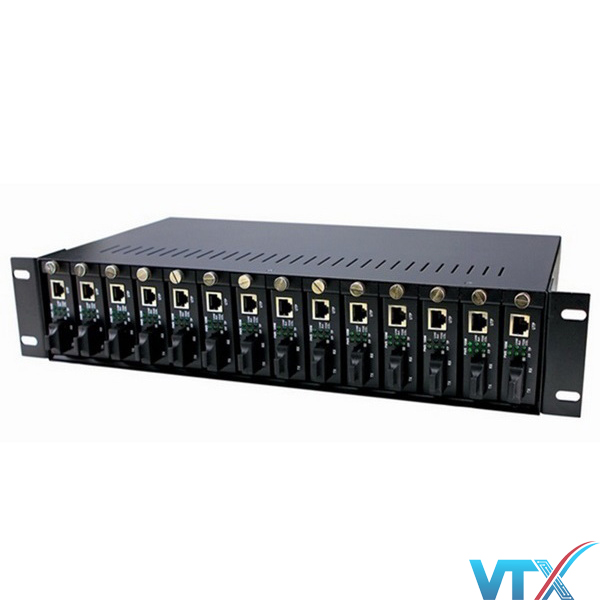
Khay nguồn tập trung converter Wintop WT-81/4-2A
Khay nguồn tập trung Wintop WT-81/4-2A chính hãng phân phối tại Hà Nội với đầy đủ CO, CQ hỗ trợ các dự án trong nước. Liên hệ ngay để được tư vấn
Giá tham khảo:
3.350.000 ₫
(Chưa VAT)
ⓘ Giá cả có thể chênh lệch do biến động thị trường
Hàng sẵn kho
Giao hàng hỏa tốc
HỖ TRỢ TƯ VẤN & BÁO GIÁ NHANH (24/7)
Giá bán:
3.350.000 ₫
QUÀ TẶNG VÀ ƯU ĐÃI
- 1Tặng các phụ kiện đi kèm sản phẩm gồm: 12 bộ ốc vít, dây thít mạng, quạt tản nhiệt.
- 2Giảm giá thêm 5% khi mua cùng sản phẩm Switch, Patch Panel, khay cố định,…
- 3Hỗ trợ tư vấn giải pháp hạ tầng mạng.
CAM KẾT TỪ VIỄN THÔNG XANH
- Cam kết hàng chính hãng, chất lượng.
- Sản phẩm đầy đủ giấy tờ CO/CQ cho dự án.
- Xuất hóa đơn (VAT) đầy đủ cho mọi đơn hàng.
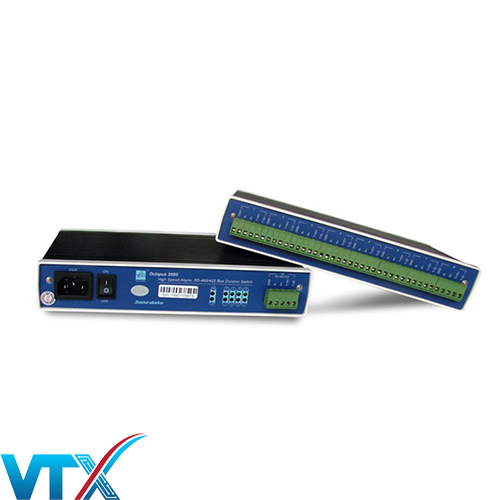
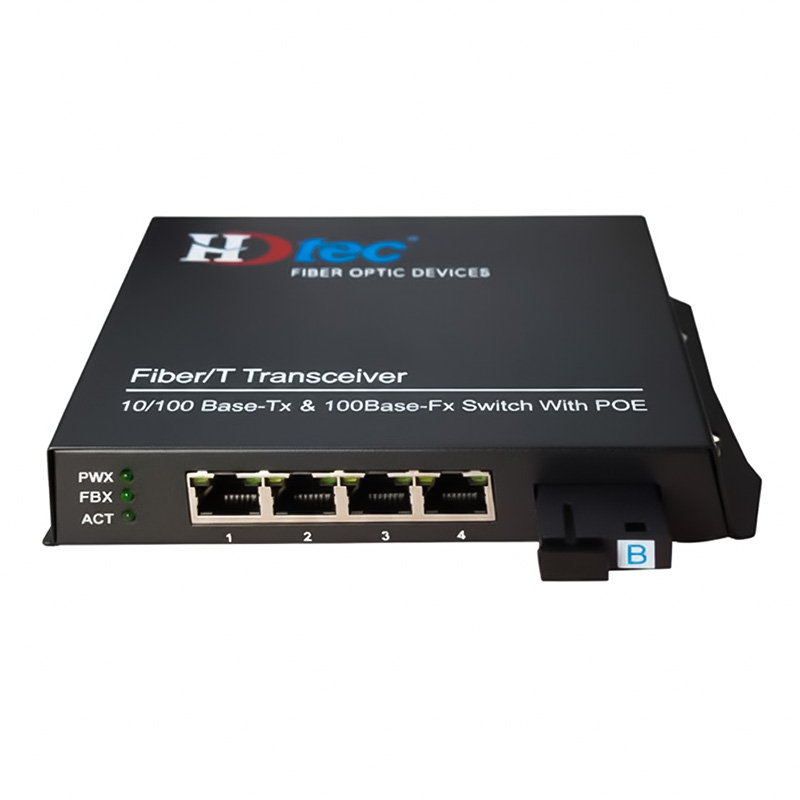
PHỤ KIỆN THƯỜNG MUA CÙNG KHAY NGUồN TậP TRUNG CONVERTER WINTOP WT-81/4-2A
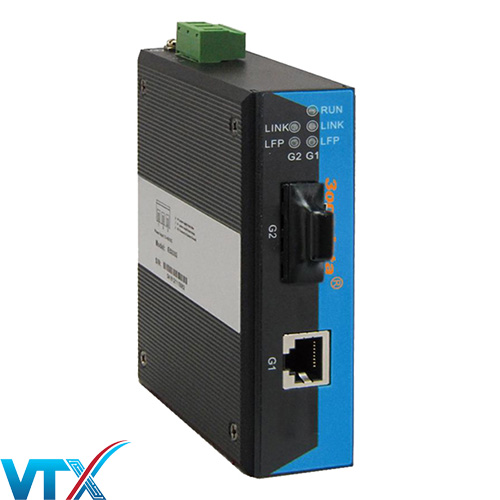
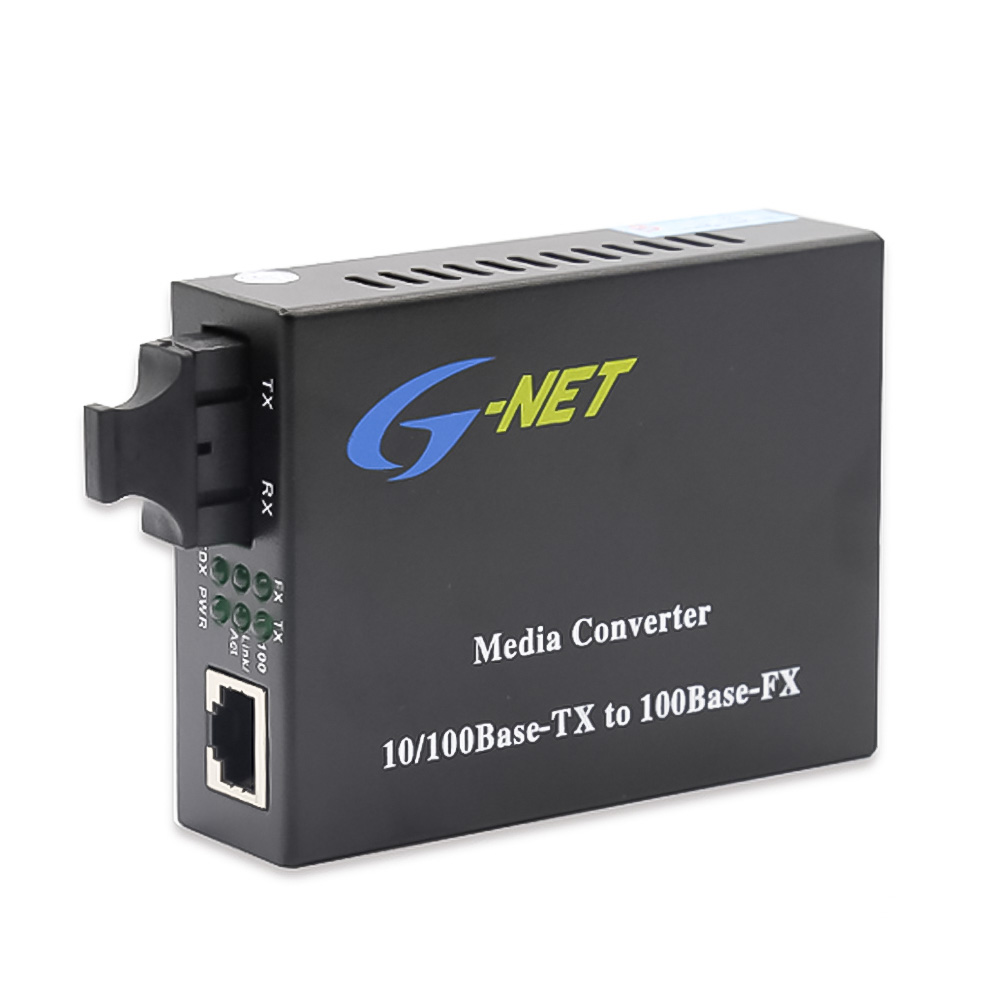
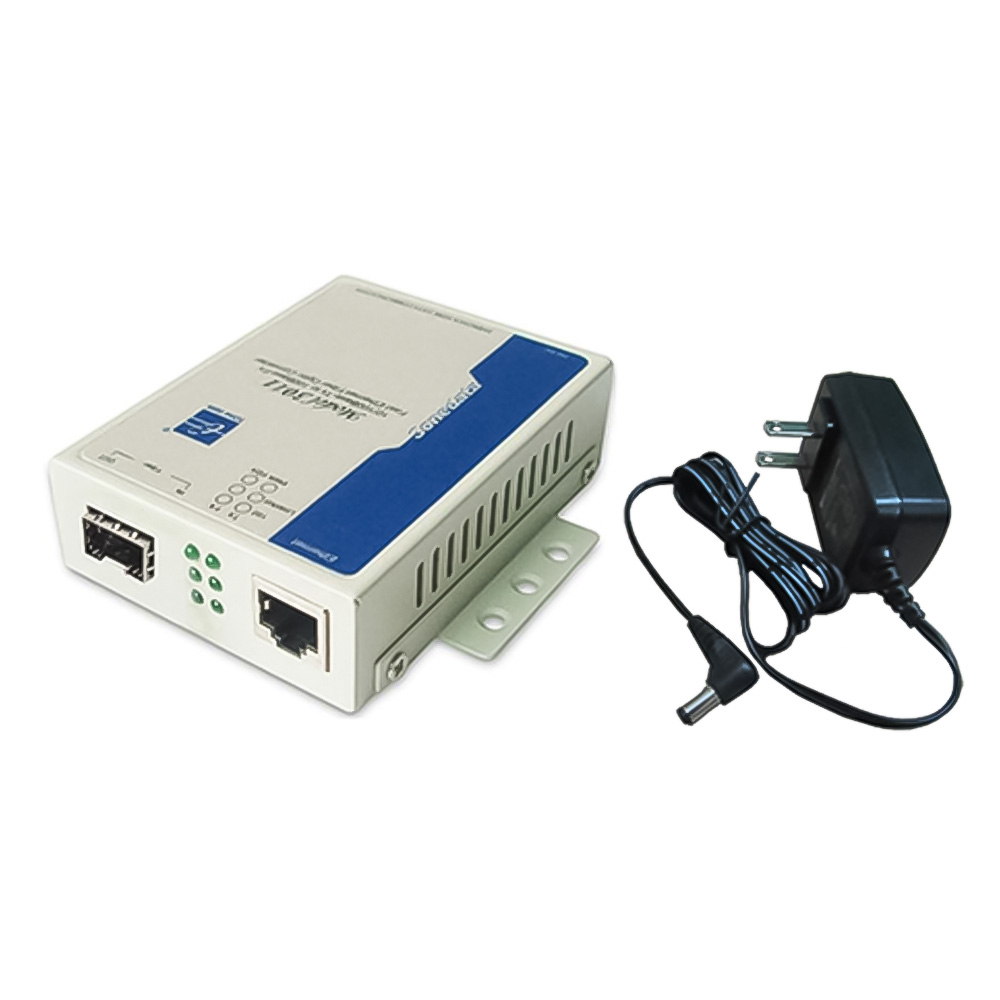
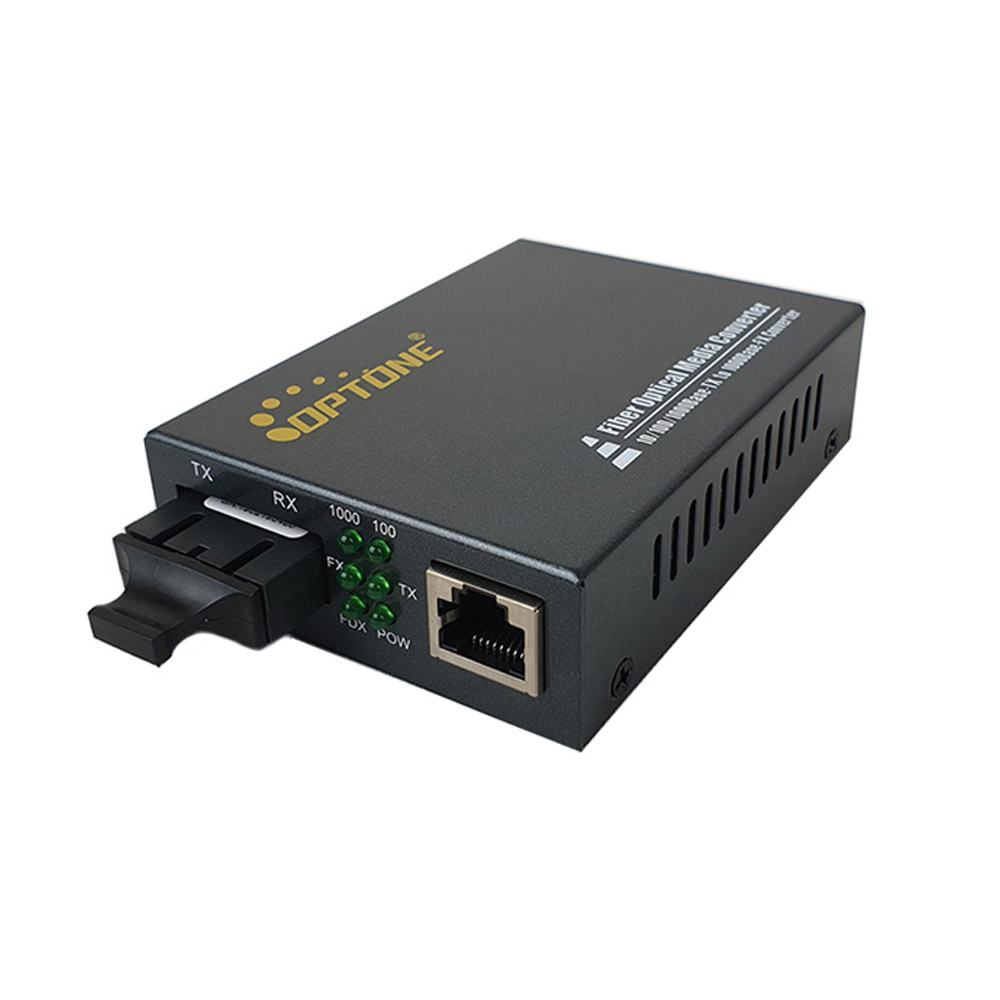
THÔNG SỐ KỸ THUẬT CHI TIẾT KHAY NGUồN TậP TRUNG CONVERTER WINTOP WT-81/4-2A
| Điều kiện môi trường | |
| Nhiệt độ hoạt động | 0 ~ 50ºC |
| Nhiệt độ lưu trữ | -40 ~ 85ºC |
| Độ ẩm | Độ ẩn trung bình 5% ~ 95% (không ngưng tụ) |
| Nguồn | |
| Điện áp vào | AC 100~260V, 50~60HZ, hoặc DC -48V |
| Điện áp ra | DC +5V |
| Công xuất tiêu thụ | <60W |
| Sóng | ≤ 50mv |
| Tiếng ồn | ≤ 50mv |
| Kích cỡ | |
| L*W*H | 482,6mm*350mm*88mm |
ĐẶC ĐIỂM NỔI BẬT CỦA KHAY NGUồN TậP TRUNG CONVERTER WINTOP WT-81/4-2A
Khay nguồn tập trung converter Wintop WT-81/4-2A
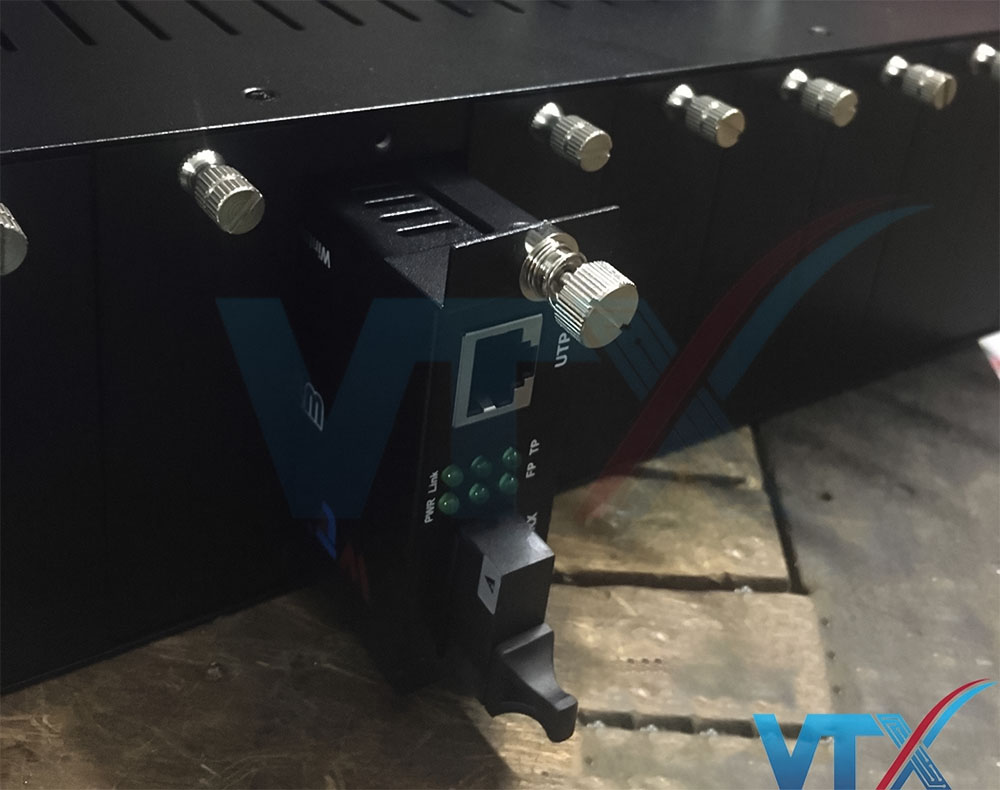
Khay nguồn tập trung Wintop WT-81/4-2A là thiết bị có khả năng tập trung cũng như cung cấp nguồn điện cho các Converter quang (hay Bộ chuyển đổi quang điện) để mạng lại sự đảm bảo cho tính ổn định của nguồn nuôi converter và hỗ trợ tối đa người sử dụng cũng như kỹ thuật viên trong việc quản lý, cũng như sự tiện lợi cho việc bảo trì, bảo dưỡng.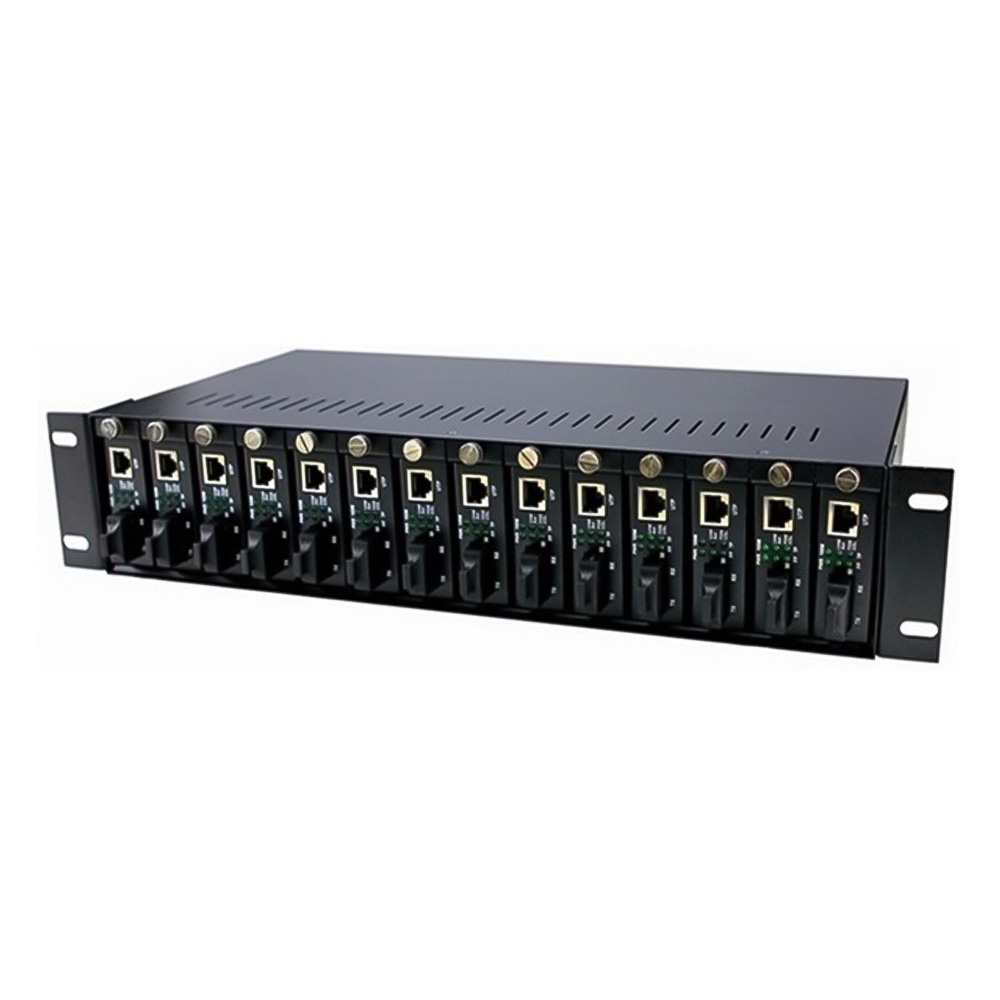
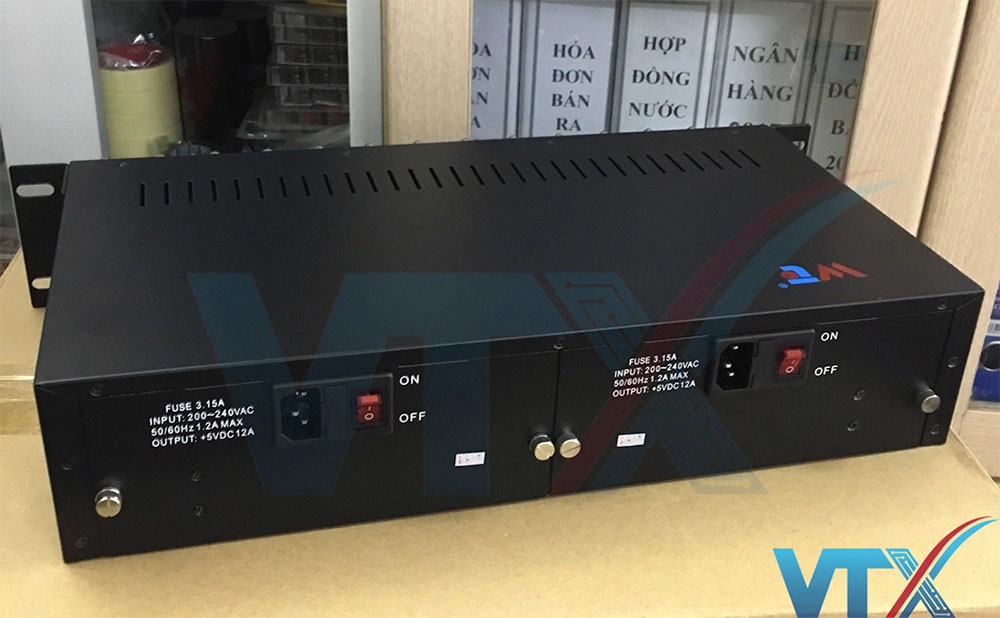 Bộ khung nguồn tập trung Wintop WT-81/4-2A được thiết kế với 14 khe cắm tương ứng với dung lượng có thể chứa 14 converter quang bên trong. WT-81/4-2A được thiết kế với chiều rộng tiêu chuẩn 19' để có thể tích hợp tốt với mọi loại tủ rack trên thị trường hiện nay.
Khay nguồn tập trung Wintop WT-81/4-2A có thể tương thích với tất cả mọi loại converter quang hiện nay trên thị trường Việt Nam. Bộ nguồn sử dụng đồng thời 2 chế độ nguồn điện 220VAC hay 48VDC; có khả năng tự động đảo chiều nguồn khi có sự cố xảy ra. Bảo vệ tốt hơn cho các thiết bị trong hệ thống mạng của khách hàng.
Bộ khung nguồn tập trung Wintop WT-81/4-2A được thiết kế với 14 khe cắm tương ứng với dung lượng có thể chứa 14 converter quang bên trong. WT-81/4-2A được thiết kế với chiều rộng tiêu chuẩn 19' để có thể tích hợp tốt với mọi loại tủ rack trên thị trường hiện nay.
Khay nguồn tập trung Wintop WT-81/4-2A có thể tương thích với tất cả mọi loại converter quang hiện nay trên thị trường Việt Nam. Bộ nguồn sử dụng đồng thời 2 chế độ nguồn điện 220VAC hay 48VDC; có khả năng tự động đảo chiều nguồn khi có sự cố xảy ra. Bảo vệ tốt hơn cho các thiết bị trong hệ thống mạng của khách hàng.
| Điều kiện môi trường | |
| Nhiệt độ hoạt động | 0 ~ 50ºC |
| Nhiệt độ lưu trữ | -40 ~ 85ºC |
| Độ ẩm | Độ ẩn trung bình 5% ~ 95% (không ngưng tụ) |
| Nguồn | |
| Điện áp vào | AC 100~260V, 50~60HZ, hoặc DC -48V |
| Điện áp ra | DC +5V |
| Công xuất tiêu thụ | <60W |
| Sóng | ≤ 50mv |
| Tiếng ồn | ≤ 50mv |
| Kích cỡ | |
| L*W*H | 482,6mm*350mm*88mm |
| Fault description | Cause description | Maintenance |
| POWER LED Lamps are off | Haven’t connected the power plug or not a valid connection | Connect the power plug and make sure it is a valid connection |
| Link/Act LED Lamp is off | 1.Haven’t connected the electrical cables to the electrical port or not a valid connection | Connect the electrical cables to the electrical port and make sure it’s a valid connection |
| 2.Used the wrong electrical cables for electrical connection | Use right type of electrical cables for electrical connection | |
| 3.Any fault with the NIC and the terminal of Ethernet | To make sure the NIC and the terminal of Ethernet can work normally | |
| FX and FX-link/Act LED Lamps are off | 1.There might be any fault with the terminal optical devices | Check the terminal optical devices and the main fiber to see if they can work normally. If not ,then maintain them |
| 2.The optical fiber has broken down or the connection of optical fiber is not valid | ||
| 3.The optical fiber is over-loss | ||
| TX and FX LED Lamps are normal but the data can not be transmitted | 1.The connection between optical fiber and devices is not valid ,this will cause the TX power not strong enough | 1.Check the fiber connectors and make sure the connection between optical fiber and devices is valid |
| 2.The system get power just for a little moment or any changes for the network ,these may cost a little time for media converters to adapt | 2.If this option can still not work a long time after all installations, then stop the power supply ,wait a little moment and try again with the power on |
ĐÁNH GIÁ & BÌNH LUẬN KHAY NGUồN TậP TRUNG CONVERTER WINTOP WT-81/4-2A
5.0/5
(8 đánh giá)
D
Báo giá cho mình khay nguồn ày nhé
C
Mình đang có dự án cần báo giá thiết bị này, bạn hỗ trợ mình nhé !
K
Sản phẩm dùng rất tốt, giá số lượng lớn được giảm không nhỉ?
T
Mình muốn hỗ trợ về sản phẩm, bạn liên hệ mình nhé !
M
Mình có hỗ trợ vân chuyện ra Hoài Đức Không ?
T
Sản phẩm này bảo hành bao lâu vậy ?
V
Anh Định vui lòng check mail báo giá ạ
S
cho xin giá có cả converter luôn nhé
V
2 sản phẩm chất lượng tương đương nhau. Với đây là 2 thương hiệu cùng phân khúc nên a lựa chọn loại nào phù hợp với nhu cầu của mình còn về chất lượng và tính ổn định của 2 hãng thì anh không phải lăn tăn anh nhé
K
Sản phẩm này với khay nguồn của Optone thì cái nào dùng ổn hơn?
Gửi bình luận của bạn
SẢN PHẨM NỔI BẬT


KIẾN THỨC SẢN PHẨM

Bảng báo giá Converter Quang 1 sợi, 2 sợi mới nhất 12/05/2026

Converter Quang HDtec – Sự kết hợp hoàn hảo giữa chất lượng và giá cả
Bật Mí Cách Sử Dụng Converter Quang Hiệu Quả
Converter Quang – Cấu tạo và Nguyên lý hoạt động
Phân biệt Converter quang Multimode và Single Mode
TOP 5 thương hiệu media Converter Quang nổi tiếng có mặt tại thị trường Việt Nam
TOP 3 Bộ chuyển đổi quang điện 3Onedata mà bạn không thể bỏ qua
Những lưu ý khi lựa chọn converter quang cho hệ thống mạng
Ưu – Nhược điểm của bộ chuyển đổi quang điện 1 sợi và 2 sợi
Converter quang Optone – gã khổng lồ mới của thị trường Việt Nam
